Bitwarden App: A Password Manager App
Even if the digital era is the core in which users can bring more comfort and ease into their lives, everything comes with a cost. And so are these technologies, which are vulnerable to easily peeping into our banking details and other private information.
What’s the solution? Due to easy passwords, it becomes effortless for hackers to get through various apps and gain access to end-users accounts and personal information. Hence, that is when password generator apps come to their rescue.
This time in our ‘App of the week’ section, we are here with the top password creator, the Bitwarden app. Let’s go through the app by knowing its working, features, UI & UX, and more about this genuinely secured solution for mobile apps.

Downloads
2M+

User Ratings
4.5

Category
Productivity

Headquarters
Santa Barbara, California, USA.
What Is Bitwarden App & Why It Considered Top Password Manager App in the Business?
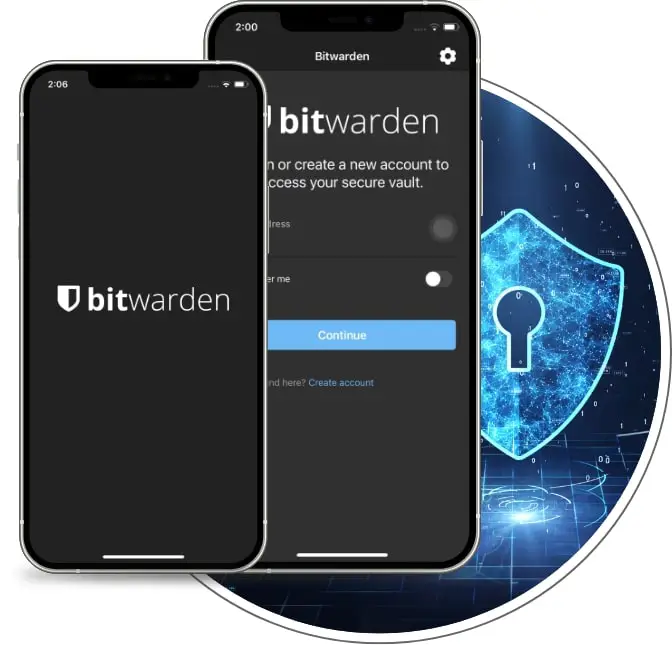
It is a secure password manager app that generates, sync, manages, consolidates, and shares passwords, giving end-users an all-in-one solution to manage different apps. And Kylin Spearrin did the inception of this innovative software.
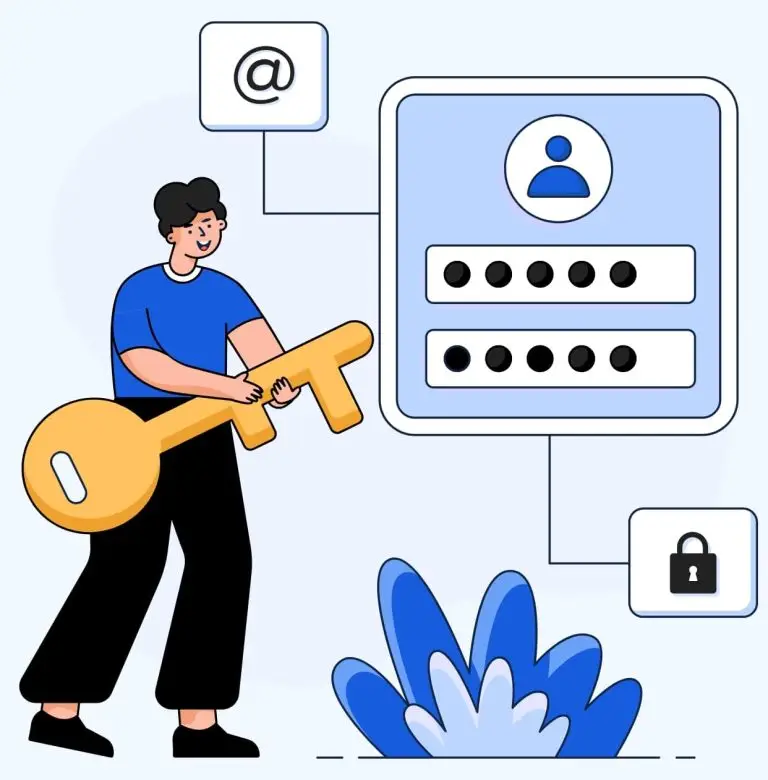
Moreover, Bitwarden provides the best security with strong AES-256 encryption and 2FA, and also its safety is audited regularly by third-party firms and researchers.
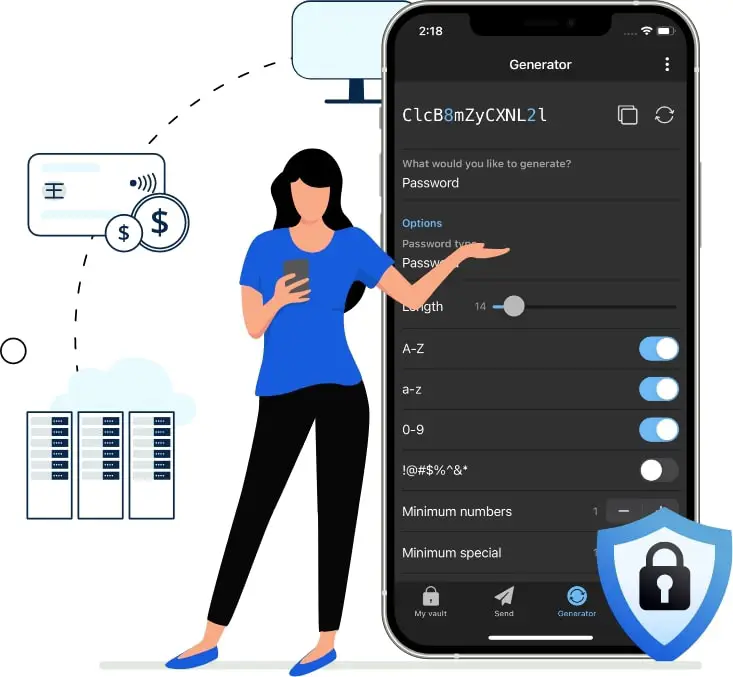
This password creator is a fantastic password manager and is available in a free version that the cloud or self-hosts. Mainly, this top password generator app can sync the passwords of Windows, macOS, Linux, Android, and many more. The main motive of this app is to manage and provide end-to-end security of passwords on multiple devices.
Hence, after knowing this much, it may be impossible for you not to move ahead with the working of this fantastic open source password manager.
How Does Bitwarden Password Generator App Work?
Now, you know about the Bitwarden app in brief, let’s see how this password manager app works and help elaborate the security of all the user’s devices. Bitwarden tends to store all the end-user’s data in Microsoft Azure Cloud. The app uses AES-CBC 256-bit encryption of the vault of its users. And PBKDF2 SHA-256 to mainly derive the encryption key.
Moreover, this password generator tends to encrypt the end-user’s data before storing it on the cloud. The encryption of the app’s data is based on zero knowledge; which means that the user can only be able to decrypt this data no other has an access to that data.
It also provides an option to encrypt and store local files. And the decrypted data can be stored in the memory and also the user can store the data on the server on Windows, macOS, and Linux. This best password Manager app is cloud-hosted or self-hosted hence it is flexible when it comes to storage.
Further, let’s go ahead to know more about this app’s features and functionalities in detail.
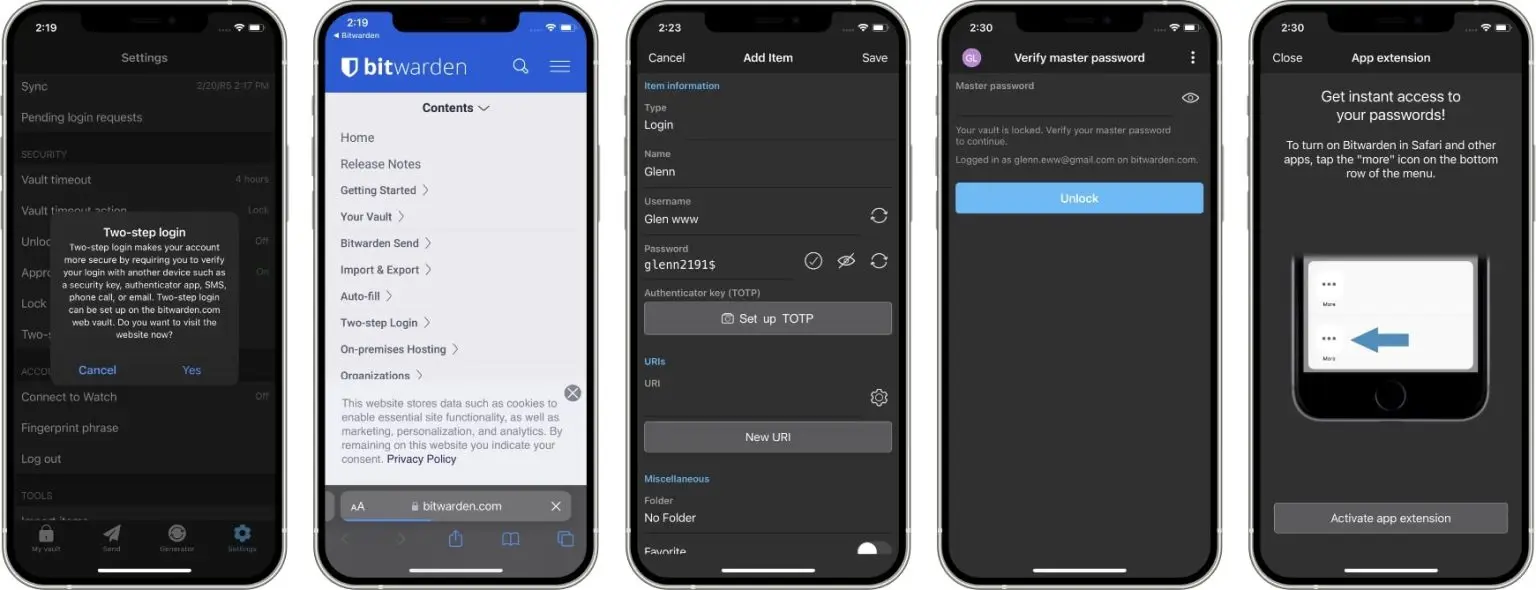
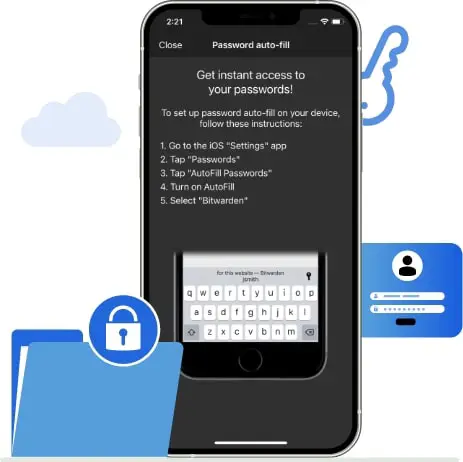
Look at Screenshots of This Open Source Password Manager App.
hese appealing screenshots will give you a great sneak peek into the Bitwarden App UI and the convenience it provides to its end users.
Features of This Password Manager App That Makes It Distinct From Others
- Unlimited Storage of Logins
- Multi-device Use
- Browser Extension
- Digital Wallet
- Password Generator
- Pro based permissions
- Unified Directory
- Biometrics
- User Management
Two Features of the Bitwarden App That Make the User Experience More Amazing
Security Auditing
The secure auditing of this password manager is undertaken regularly for the end-user’s safety and trust in the app. They don’t tend to store any passwords but only store the encrypted data of every user, which mainly helps end-users’ information in a secure manner.
Privileged Account Security
Bitwarden tends to provide its users with password pro security at a reasonable price which does not affect the end user’s pockets. Mainly, they need to spend around $3 per month. And they can get the exclusive features that are made available by this best password generator app.
Approximate Development Cost of Building An App like Bitwarden…
The estimated cost of making a password manager app like Bitwarden is given for you below:
- A simple MVP password generator app costs around $10,000 to $12,000.
- Then, the web platform & software will cost about $15,000 to $25,000.
- And lastly, a Fully-Functional app similar to Bitwarden app can cost $30,000 to $40,000.
Note – Though these are just mere estimates as per the need, these costs will differ, so discuss them with our consultants thoroughly on call!
Bitwarden App is Available on
The Bitwarden app is available through both the sources web and applications. And to download this fantastic security app, go through the links given below to learn more:


While building an app similar to Bitwarden security, you must hire industry experts only available in the top app development company. And with their help, you can make the best app to accelerate your business at a 10X speed.
|
Frequently Asked Questions
Yes, the Bitwarden app gives all the reasons to trust the app without any second thoughts as it pertains to maintaining end-to-end encryption with zero knowledge about the encryption of its end-users.
The incredible thing about this password creator app is that its data is fully encrypted, which makes the data of a particular end-user nearly impossible to get hacked. And also, the end user’s information is unavailable to the Bitwarden team or a reverse engineer.
The accessibility of this password manager app is quite an easy task. Mainly, the users need just to follow these steps:
- Open the app, then go to settings.
- Tap on the auto-fill services option.
- Knob through the same tab user accessibility will redirect you to the Android settings screen.
The Bitwarden password generator app will work efficiently on macOS, Linux, Android, iPhone, Windows and Ipad.